Err - Game

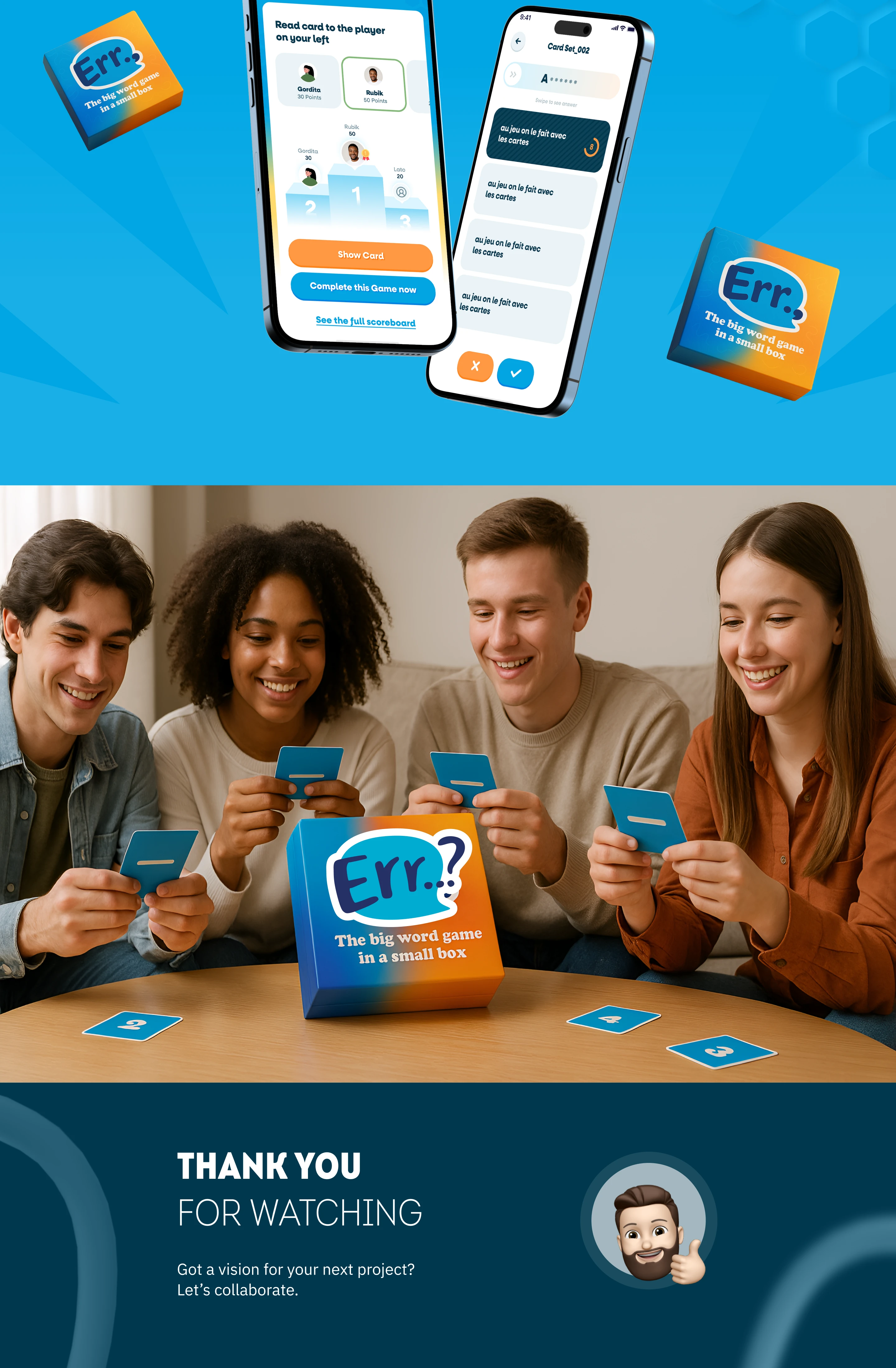
The Thrilling Word Guessing Card Game! Swipe for clues, score points with friends, unlock 250+ family/genius sets play with or without board.

Problem

Traditional board and card games can be difficult to manage digitally when users need to set players, choose card sets, track points, continue unfinished games, manage payments, change languages, and follow rules clearly. Users need a simple mobile experience that supports both board-based and board-free gameplay.

Solution

Designed a complete mobile app experience for Err.. with login, signup, forgot password, play mode selection, unfinished game continuation, create new game flow, player setup, card store, payment checkout, gameplay screens, swipe-to-answer interaction, scoring feedback, scoreboard, game results, profile, language settings, payment history, game history, methods and rules, terms, contact, and privacy screens.
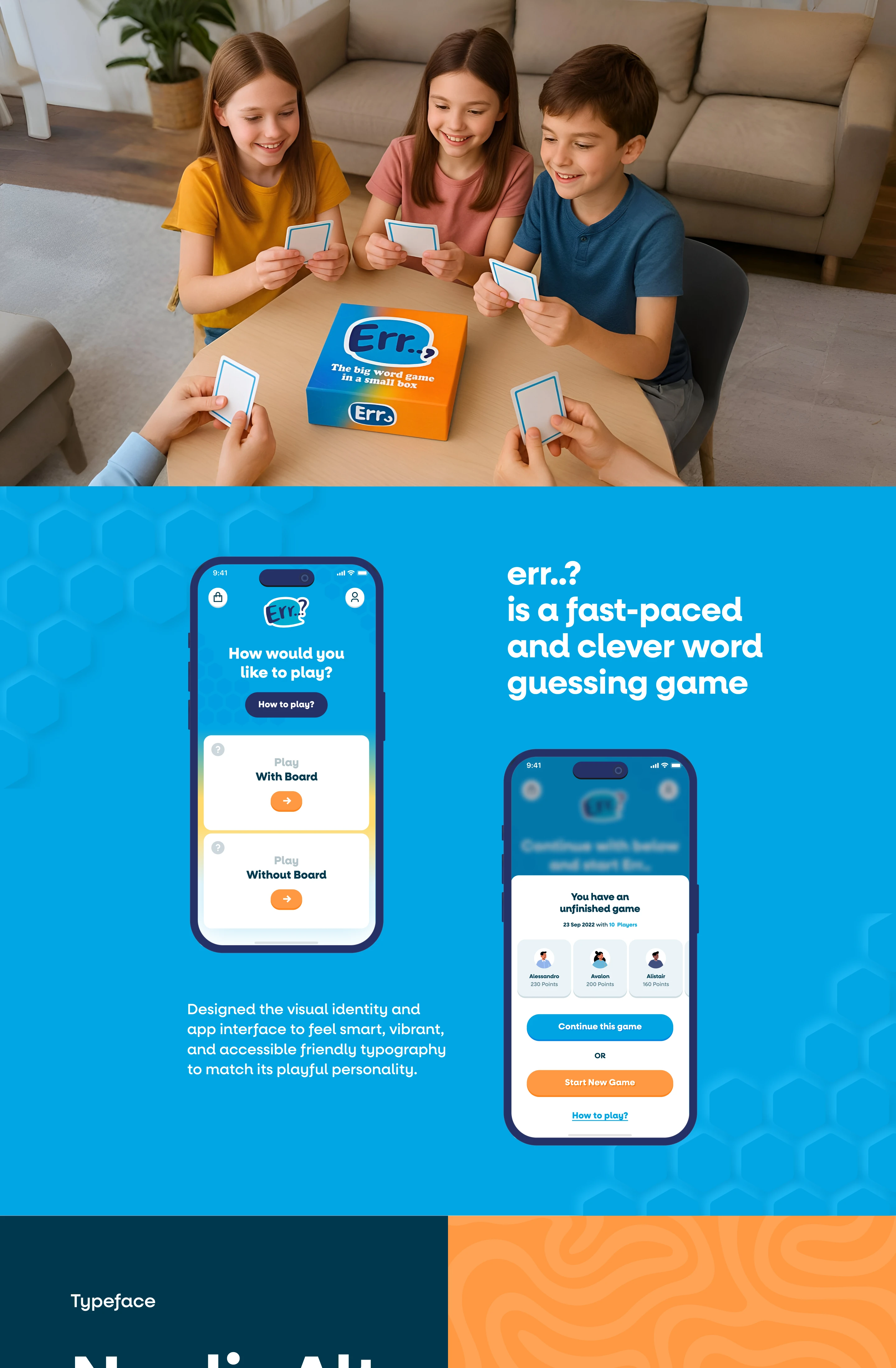
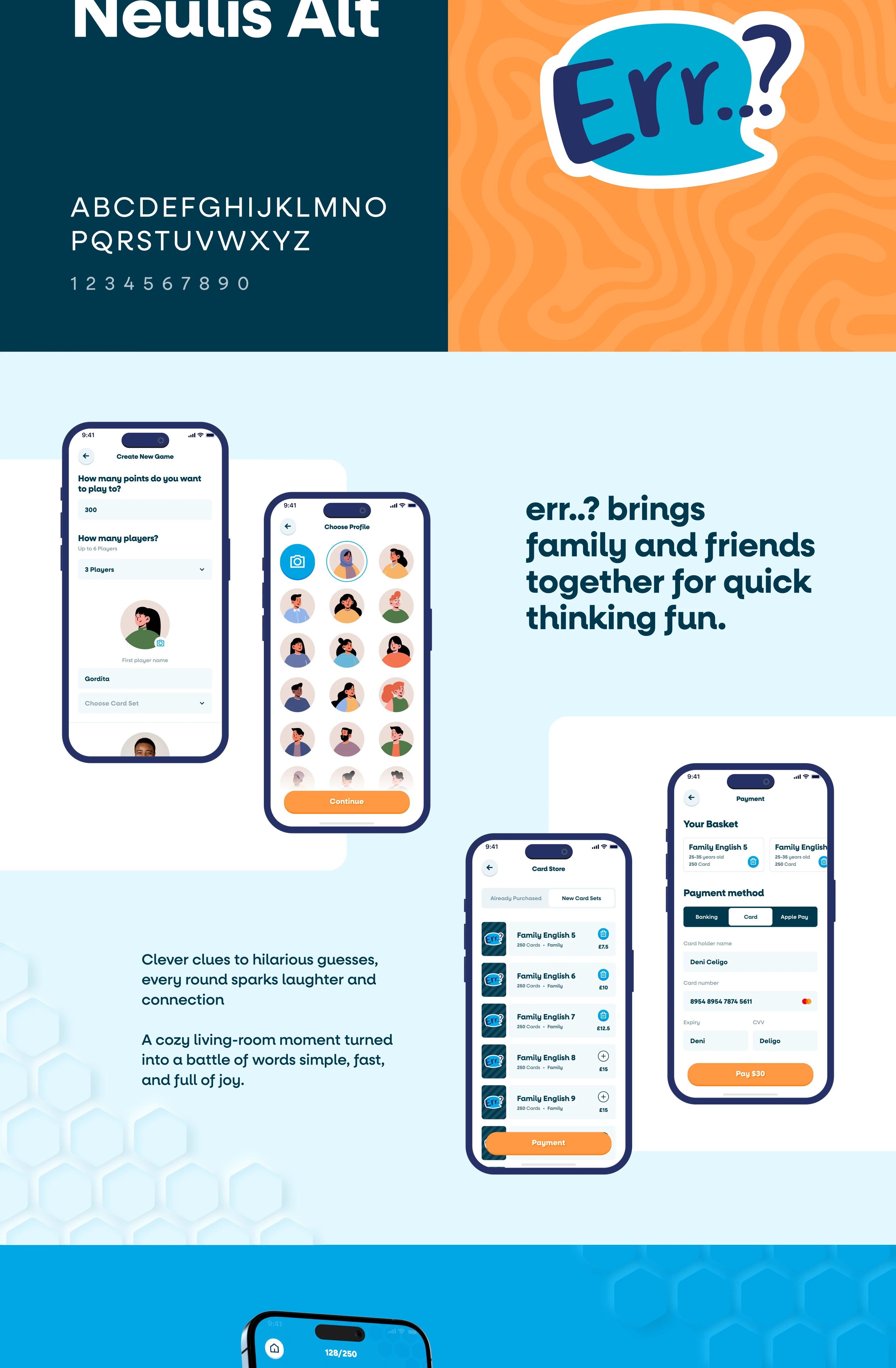
A clean, mobile-first UI/UX concept for a vocabulary party game app featuring login, signup, forgot password with 4-digit OTP reset, and profile setup flows. The design includes card store browsing, basket and checkout with Stripe payment methods (card, banking, Apple Pay), game creation, card set selection, and two play modes: with board and without board. In-game screens show swipe-to-reveal answers, turn prompts, scoring, results, and a full scoreboard—built with minimal UI, clear hierarchy, and smooth navigation, UI UX Design UI UX Designer, Mobile App UI, Mobile App UX, UI UX Case Study, Product Design, Interaction Design, App Design 2025, Game App UI UX, Card Game App Design, Onboarding UX, OTP Verification UX, Forgot Password UX, Stripe Payment UI, Checkout UX, In-App Purchase UX, Design System, UX Flow, UI UX Design, UI UX Designer, Mobile App UI, Mobile App UX, Game App UI UX, Card Game App Design, Word Game App, Party Game App, Educational Game UI, Gamification UX, Onboarding UX, Login Screen UI, Signup Screen UI, Forgot Password UX, OTP Verification UX, Error State UX, Profile Setup UX, Create New Game Flow, Multiplayer App UX, Turn Based Game UX, Swipe Interaction UX, Card Reveal UI, Scoreboard UI, Results Screen UI, Game History UI, Settings Screen UI, Language Switch UI, Card Store UI, In-App Purchase UX, Shopping Cart UX, Checkout UX, Stripe Payment UI, Apple Pay UI, Payment Form UI, Payment Success Screen, Payment History UI, UI Case Study, Product Design, Interaction Design, Design System, Clean Minimal UI, Modern App UI, Mobile Interface Design, UX Research, UX Strategy, Wireframe to UI, Figma UI Design, Prototyping, Responsive UI, Rinkesh Chopada, UI UX Portfolio